A day in the life of using Innowell
This is your map of how Innowell fits into a normal working day. Each step below links to a detailed how-to.
Using Innowell as a shared reference point
With Innowell, you and your client share a clear, up-to-date picture of their journey, allowing your time together to focus on what matters most.
Meeting a new client
Often the admin team has already introduced Innowell to the client and sent their invitation, asking them to complete their demographics and an Initial assessment. This builds an early picture before care begins, and the client can ask a clinician or support person for help completing it.
That means you can introduce Innowell as something already part of their care, not a separate task. If they’ve completed the Initial assessment, their responses give you a clearer starting point. If not, you might walk through it together or agree when they’ll complete it — and decide on any upcoming assessments so fresh insights are ready before each session.
Start of the day
The Individuals list can give you a quick view of clients who have new activity, updated results, or information that may be useful to notice before the day begins.
The Assigned to me filter narrows the Individuals list to your own caseload.
The Individuals list includes icons beside a client’s name to help you quickly understand what may be happening.
Log in and open the Individuals tab, filter to Assigned to me, and scan for the clients most likely to need attention first:
- A suicidal thoughts and behaviours (STB) flag — a red triangle beside a client’s name, raised by their assessment responses
- An “I need help” alert (megaphone), where the client selected the ‘I need help’ button
- A request for assistance (speech bubble) — client requested help completing an assessment
- New submissions and changing trends
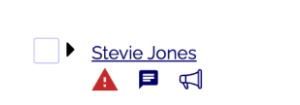
The icons below the name show, left to right: an STB flag (red triangle), a request for assistance (speech bubble), and an “I need help” alert (megaphone).
Before a session
Open the client’s profile and review their data so far.
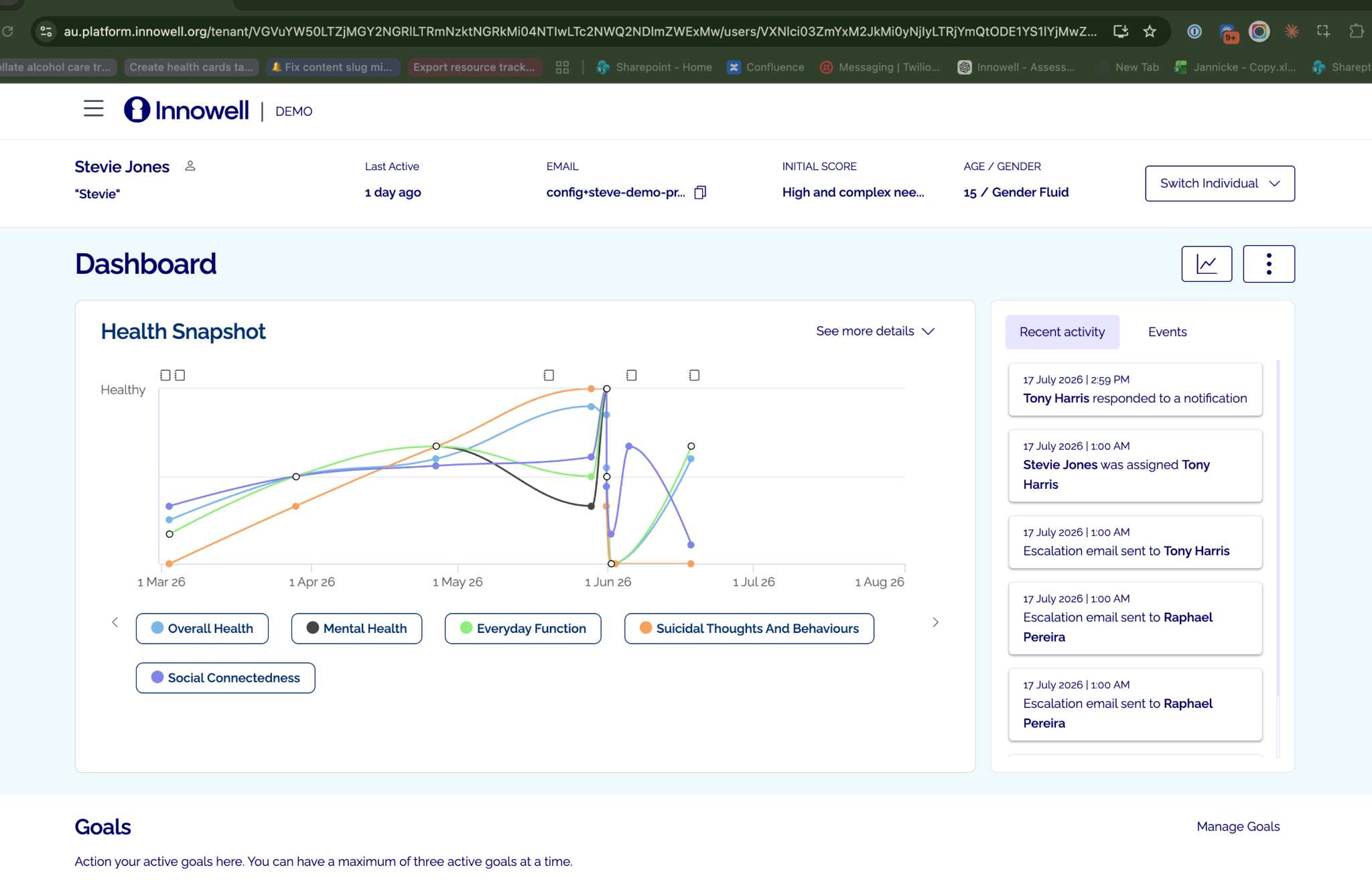
- Review the Health Snapshot (their Fast Five over time).
- Check new assessments, requests for assistance, updated priorities and goals.
During a session
Use the shared information to open the session with what matters to the client, and support them to complete or schedule summary assessments.
After a session
Capture context as an event, schedule what comes next, and discharge if care has ended.