Innowell & Halaxy Integration
Innowell assessment reports filed to your clients’ Halaxy records
Innowell’s Halaxy integration connects measurement-based care to the practice management software your practice already runs on. Search Halaxy for a client from Innowell’s invite screen and the contact details Halaxy holds fill in automatically. When they complete an assessment, the report is filed to their Halaxy record.
Halaxy is practice management software founded in Melbourne in 2012. More than 40,000 health practitioners across 90+ professions and 70+ countries use it to manage appointments and online bookings, patient records, telehealth, and clinical invoicing and payments in one place.
Through our integration, clinicians bring measurement-based care into the system they already use to run their practice. Client details carry over from Halaxy, and completed assessment reports are filed straight back to the client’s Halaxy record.
& Innowell
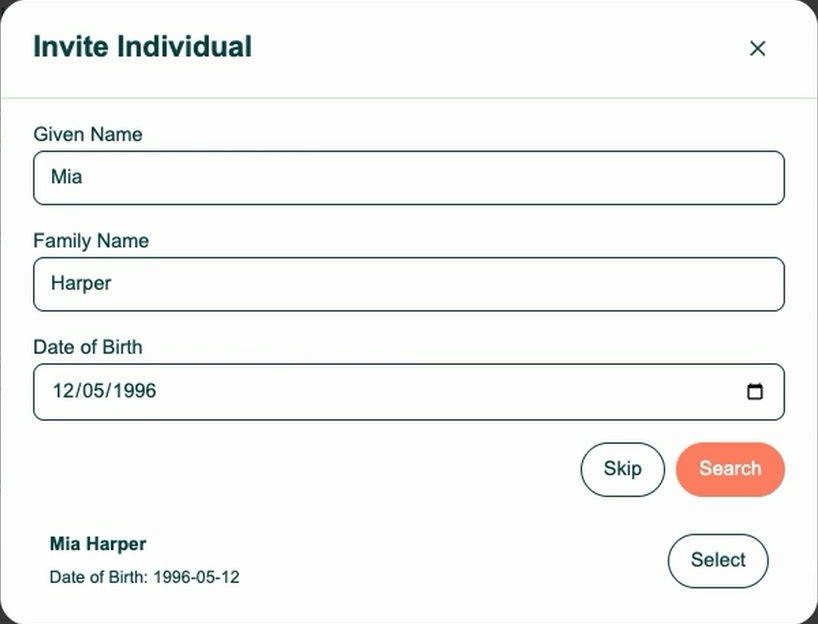
Find a client in Halaxy
Given name: Alex
Family name: Morgan
Date of birth: 14 / 05 / 1990
Alex Morgan
14 May 1990 · Matching record
Staff search Halaxy by name and date of birth, then select the matching record. Email and mobile fill in from Halaxy.
Completed Innowell assessment → Halaxy
Initial questionnaire.pdf
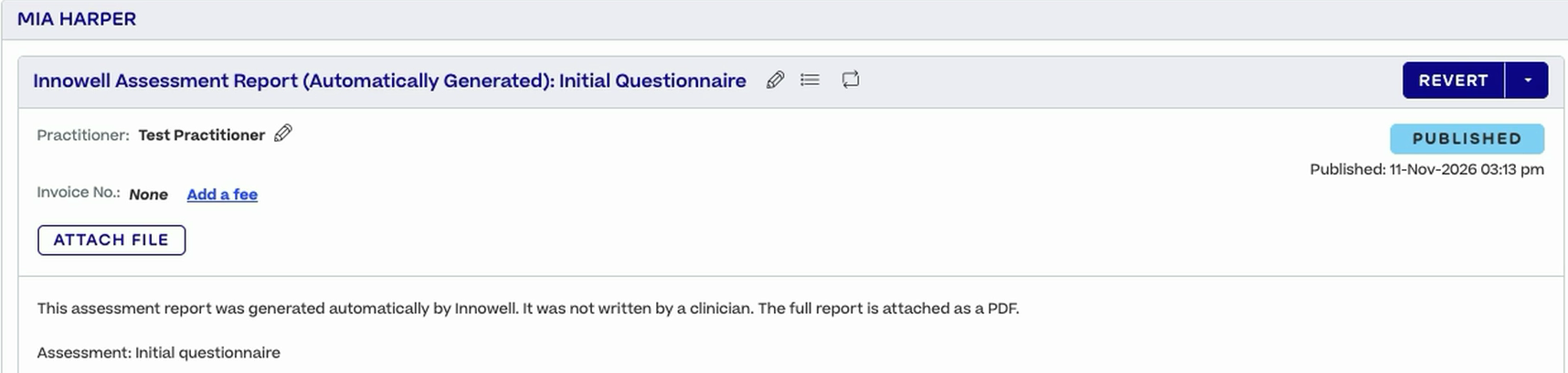
Filed as a clinical note on Alex’s Halaxy record
Illustrative workflow · Example client details
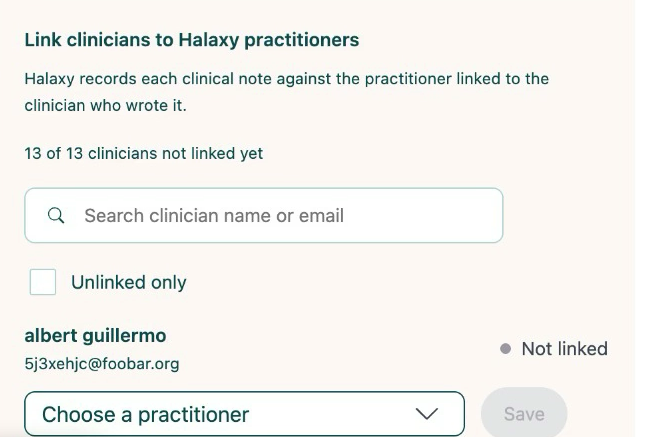
Connecting Halaxy is a one-off step: a practice admin completes it once for the organisation, then links each clinician to their Halaxy practitioner. Clinicians don’t need a separate login for it. Completed assessment reports are filed to the client’s Halaxy record as a clinical note under their linked clinician, with the full report attached as a PDF.
Practice admin · One-off setup
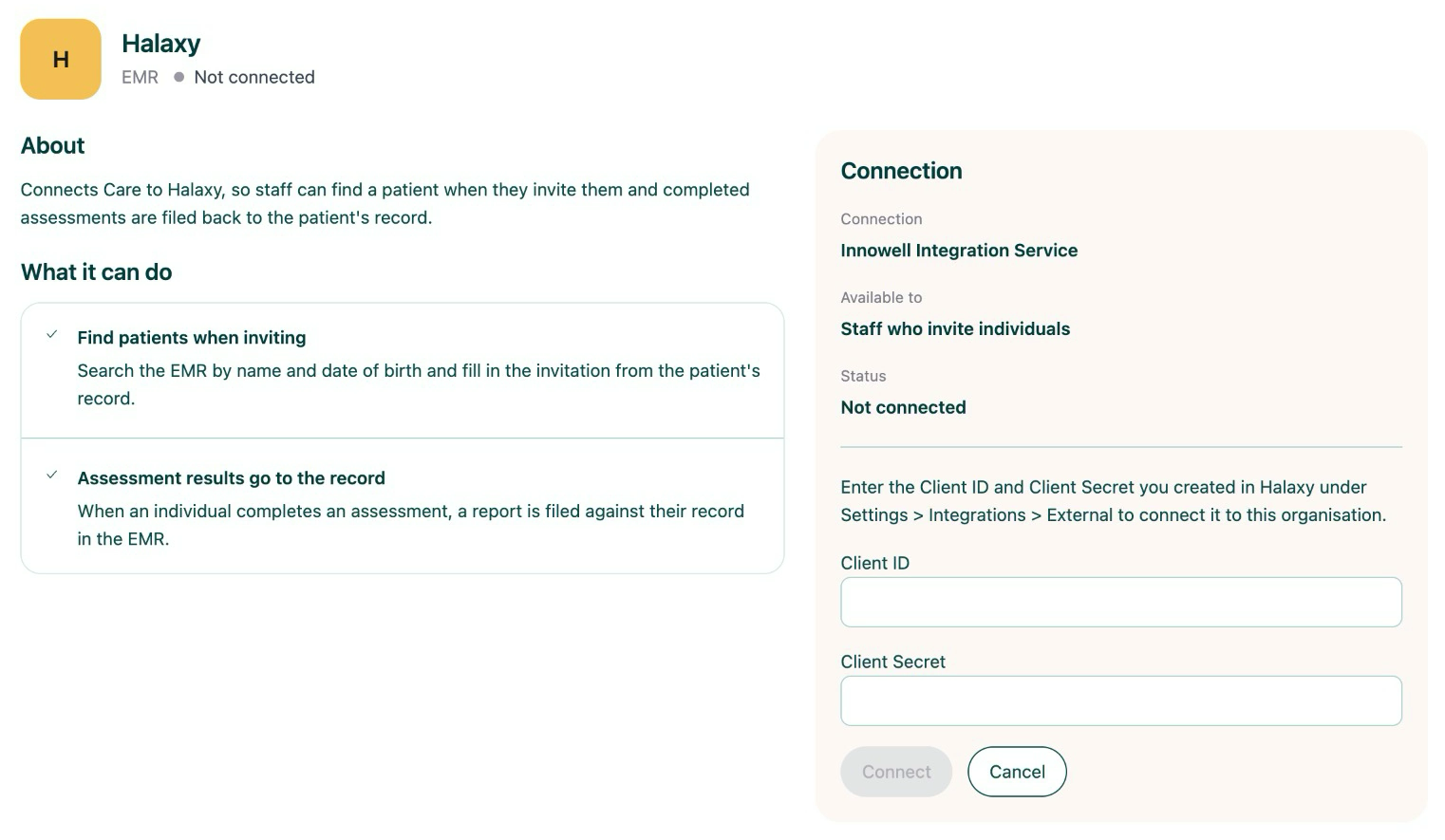
Your practice admin creates a Client ID and Client Secret in Halaxy, under Settings > Integrations > External.
Practice admin · Once per organisation
The admin enters the Client ID and Client Secret on Innowell’s Integrations page and connects, then links each clinician to their Halaxy practitioner.
Staff · Everyday use
In Innowell, search Halaxy by name and date of birth, select the client, assign their clinician and send the invite. Once the client completes an assessment, the report is filed to their Halaxy record.
Innowell & Halaxy · Integration walkthrough
The Innowell Halaxy integration is built for practices that already run on Halaxy. Your practice admin connects it once. From then on, staff invite clients from Halaxy without retyping their contact details, and completed reports for those clients are filed to their Halaxy record automatically.
Your practice admin connects Halaxy once for the organisation and links each clinician to their Halaxy practitioner.
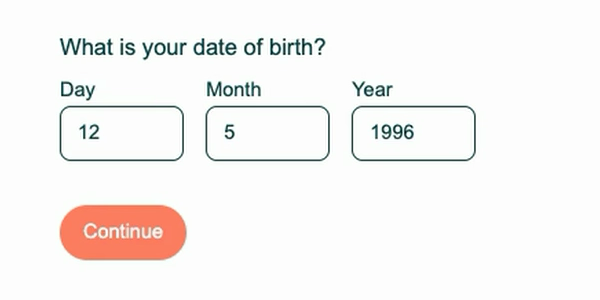
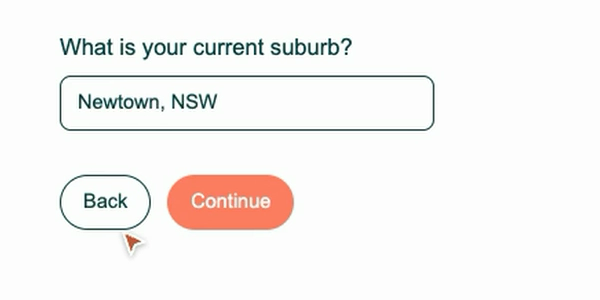
Staff find the client in Halaxy, and the email and mobile held there come across. Details such as date of birth, suburb and gender are filled in for the client to check or change when they start.
When a client invited from Halaxy completes an assessment, a clinical note is added to their Halaxy record under their linked clinician, with the full report attached as a PDF.
Talk to our team about connecting Innowell and Halaxy for your practice. We’ll switch the integration on for your organisation, walk you through setup and answer your questions.